![ete-logo-blue-2.png]](https://help.emergenttree.com/hs-fs/hubfs/ete-logo-blue-2.png?height=40&name=ete-logo-blue-2.png)
Beginning Implementation: Contact your campus or district administrator to gain access to the online progress monitor. You must be added to the software by a "user manager" before logging in and gaining access.
Upon registration by a user manager, the online system will email each user a link to create your password in the software. Each user must create a unique password in order to maintain the integrity of the secure online database.
Access:
- Visit https://progress.emergenttree.com/
- Enter Email Address and unique Password to login
NOTE: If you've previously accessed an Emergent Tree software product (i.e. Virtual Learning Academy), you can use this username and password to login to the Progress Monitor Software.
- If your district utilizes ClassLink, you can select the "Sign in with ClassLink" button to access the software. You must be added to the software by a user manager before you can use this button to login.
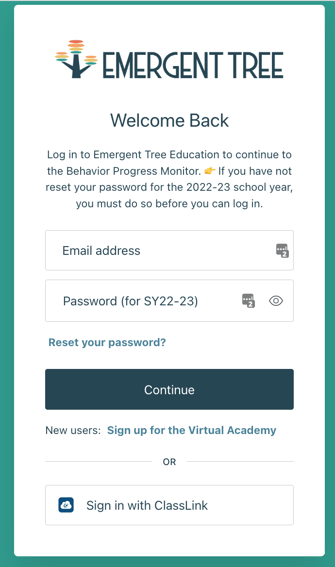
Quick Tip: If a password needs to be changed, utilize the “reset your password?” feature.
User Managers have unlimited access to the progress monitor system. User Managers permissions include:
- add students and users through the import process or
- add individual students and users
- manage user permissions within the system
- access tier 2 and tier 3 progress monitoring for all students throughout the organization, if the organization has access to both tiers of DBRC.
Campus Users have access to individual students at their campus. During the beginning of year upload, students and users can be matched. This allows users to manage their individual students at their individual campus and maintain student confidentiality. Users may have access to Tier 2 and/or Tier 3 progress monitoring. However, access must coincide with the tier of their students. Remember to adhere to safeguards required by Family Educational Rights and Privacy Act (FERPA) (20 U.S.C. § 1232g; 34 CFR Part 99).
I didn't receive the log-in email...
You may want to double check your spam/junk folder to see if you received the initial log-in email. If not, please reach out to your campus or district administrator to assist with accessing your account.